Free online
teleprompter.
Your words. Your pace. A little less pressure.
Paste a script and read naturally, right in your browser.
Saved locally when browser storage is available. Import UTF-8 TXT or Markdown files up to 1 MiB. Export a TXT backup to keep a copy.
Your script stays in this browser. How saving works
Your script
Record a take
Your camera video stays in this tab until you download it. The script and reader controls are not part of the video.
Enable your camera to check the framing. Recording starts only when you press Start recording.
Up to 15 minutes or 200 MB per take. Your script countdown is included in the video. Pause video pauses both recording and the script; the script’s Play/Pause controls scrolling only. Downloads use MP4 or WebM, depending on your browser.
While paused, click the script to edit or paste text directly. Space inserts spaces while typing. Press Play to read. Outside text entry, Space pauses or resumes without repeating the countdown. Changes save in this browser when storage is available.
From script to speaking.
In a few seconds.
- Bring your words.
Paste a script, write a few lines or import a text file. Try the sample if you want a quick rehearsal.
- Find your pace.
Set a comfortable reading speed and text size. Your estimated reading time updates as you adjust.
- Press play. Take your time.
Read full screen, pause with the Play/Pause button or the space bar, and scroll back whenever you need another try.
A simple teleprompter.
With the things that matter.
A pace that makes sense.
Choose words per minute, rather than an unexplained speed number. See an estimated duration for your script.
Comfortable to read.
Set text size, side margins, alignment and colors. Keep your place with a reading guide.
Ready for prompter glass.
Mirror the text horizontally, vertically or both to suit your physical teleprompter.
Your place, kept.
Pause, adjust the text size and carry on. The reader keeps your position as the layout changes.
Saved on this device.
Your script stays in browser storage when it’s available. Export a TXT backup for anything you want to keep.
Open it. Use it.
No account, payment or software installation is needed for the free reader. Use it for work or a personal project.
 Teleprompter Pal
Your next take.
On your iPhone.
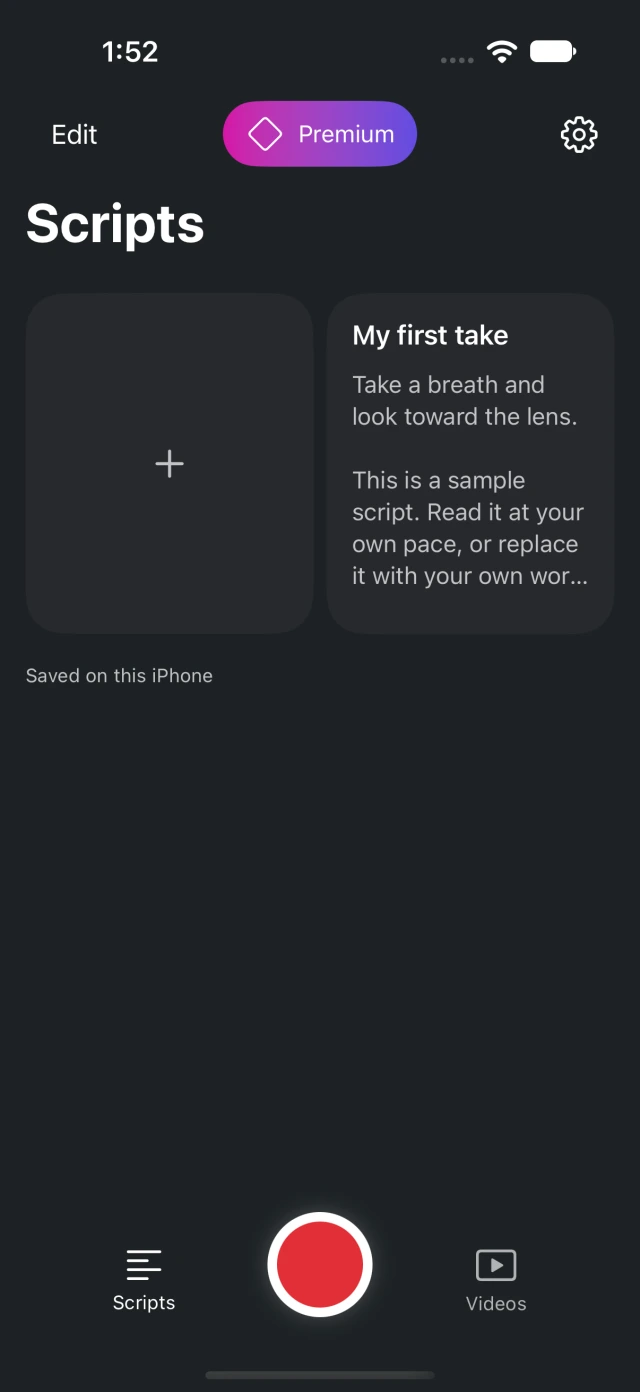
Keep your scripts and takes together. Read while recording, then trim, crop and export your video with Teleprompter Pal.
Explore the iPhone appCurrently in private beta. See the app website for access details.
Teleprompter guides.
Find your setup.
Plan a camera take, rehearse a talk, keep Zoom notes private or set up your prompter glass.
A few things
you might be wondering.
What is an online teleprompter?
A teleprompter displays a scrolling script while you speak. This free online version runs in your browser, so you can rehearse a video, speech or presentation without installing software. Place the screen near your camera or line of sight and set a comfortable pace.
Is this teleprompter really free?
Yes. Write, import, read and export text without an account or payment. There is no free-trial countdown or subscription for this browser reader.
Can I record video with it?
Yes. Start the reader, choose Record video, then enable your camera and microphone. Preview and download the take locally as MP4 or WebM, depending on browser support. For an iPhone script library and video editing, see Teleprompter Pal, currently in private beta.
Where is my script saved?
When local storage is available, your script, position and settings are saved in this browser. We don’t upload the text. Storage can be cleared or unavailable, so export a TXT backup. It does not automatically sync to another device. Read about local saving.
Does it work on a phone or tablet?
The reader adapts to smaller screens. Paste your text, open Reader settings if needed, then start the teleprompter. Keep this page active while reading. Browser fullscreen and screen-awake support vary by device.
Does it follow my voice?
No. The words-per-minute setting is a target pace based on the words in your script. Scrolling does not use speech recognition. The microphone records sound only when you enable it for video recording. You can pause, change the pace or move back whenever you need.
Can I use it with Zoom or teleprompter glass?
Yes. Position the reader near your webcam for a call, or enable mirroring for reflective glass. Check the Zoom guide and mirror setup guide before recording.